Standard Operating Procedures
Turn repeatable research processes into templated SOPs that your team can run with one click.

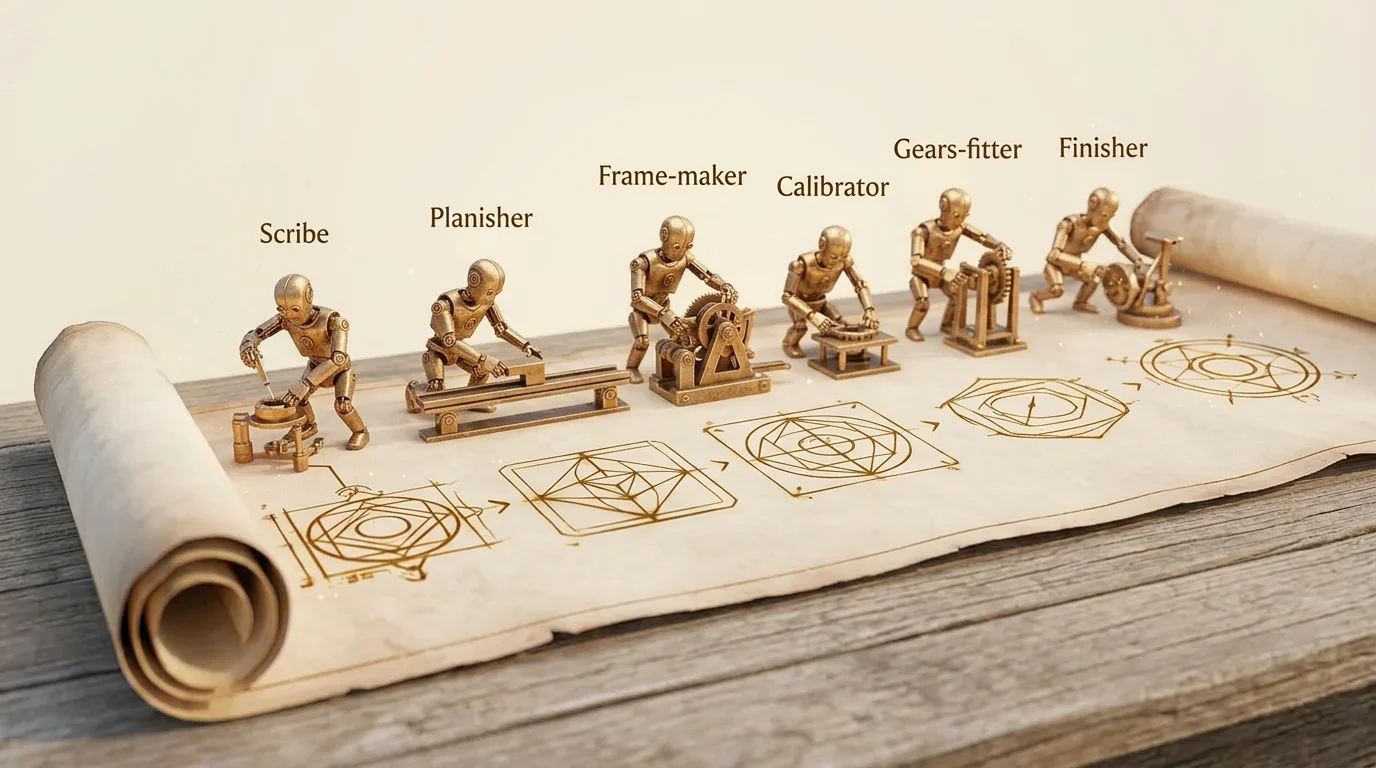
Some research processes should work the same way every time. A competitive analysis always follows the same steps. A due diligence review always checks the same categories. An onboarding research package always covers the same topics. When you find yourself building the same workflow repeatedly — or explaining to a colleague how to set one up — it is time to turn that process into a Standard Operating Procedure.
SOPs in LumaVista are templated workflows that encode your best practices into a reusable, one-click-launchable package. Define the steps once, parameterize the parts that change (company names, date ranges, focus areas), and anyone on your team can run the procedure without needing to understand the underlying workflow engine.
What makes an SOP different from a workflow
A workflow is a specific instance — “Research Acme Corp’s Q3 financials.” An SOP is a template — “Quarterly Financial Analysis” — that can be instantiated with different parameters each time. The relationship is similar to a class and an object, or a recipe and a meal.
SOPs add three things on top of regular workflows:
- Parameters. Variables like
{{ params.company_name }}or{{ params.date_range }}that are filled in when someone runs the SOP. The template defines what parameters are needed; the person running it provides the values. - Template library. SOPs live in a shared library, browsable by your team. Each template includes a description, expected parameters, and estimated run time.
- One-click instantiation. Running an SOP creates a new workflow instance with the parameters filled in. The user does not need to understand DAGs, step types, or template expressions.
The template library
LumaVista ships with a set of built-in SOP templates for common research patterns. These are ready to use out of the box:
- Competitive Analysis. Researches a set of competitors, compares their offerings, and generates a comparative report.
- Market Overview. Surveys a market segment, identifies key players and trends, and produces a landscape report.
- Due Diligence. Structured investigation of a company across financial, legal, and operational dimensions.
- Periodic Monitoring. Recurring research that tracks changes in a topic over time and highlights what is new.
- Multi-Source Aggregation. Gathers information from multiple specified sources and synthesizes them into a unified report.
Each built-in template is a starting point. You can use them as-is, customize them, or study their structure to learn how to build your own.
Browsing templates
Open the Workflows page and switch to the Templates tab. Each template shows:
- A name and description
- The parameters it requires
- The number of steps in the workflow
- Estimated run time and cost
Click a template to see its full structure — the DAG preview showing all steps and their connections.
Creating your own SOPs
You can create SOPs in two ways: by converting an existing workflow into a template, or by building one from scratch using the conversational SOP builder.
Converting a workflow
If you have a workflow that works well and you want to reuse it:
- Open the workflow.
- Identify the values that should be parameterized — replace hardcoded company names, topics, or date ranges with
{{ params.variable_name }}expressions. - Save the workflow as a template in the template library.
- Add a description and document the expected parameters.
The conversational SOP builder
For building SOPs from scratch, LumaVista offers a conversational builder through the chat interface. Describe the process you want to codify, and the system assembles the workflow structure for you.
For example:
“Create an SOP for quarterly competitive analysis. It should research three competitors provided as parameters, run financial and product comparisons in parallel, wait for analyst approval, and then generate a comparison report.”
The SOP builder uses a set of specialized workflow tools to create and modify the workflow interactively. You can refine the structure through follow-up messages:
- “Add a step that sends the final report to our Slack channel.”
- “Make the approval step optional — add a parameter that controls whether it is included.”
- “Add a condition that skips the financial analysis if the competitor is privately held.”
The builder creates a valid workflow template, complete with parameter definitions and step configurations. You can preview the DAG, test it with sample parameters, and publish it to the template library when you are satisfied.
Running an SOP
Running an SOP is designed to be simple — even for team members who have never built a workflow.
- Open the Templates tab on the Workflows page.
- Select the SOP you want to run.
- Fill in the parameters. Each parameter has a label and description explaining what is expected.
- Click Run.
LumaVista instantiates the template — replacing all {{ params.* }} expressions with the values you provided — and starts the workflow. You can monitor its progress from the Runs tab, just like any other workflow execution.
Parameterized flexibility
Parameters make SOPs flexible without making them complicated. Common parameter patterns include:
- Text parameters. Company names, topics, search queries — any free-text input.
- Date parameters. Date ranges for time-scoped research.
- List parameters. Multiple items (e.g., a list of competitors to research).
- Boolean parameters. Toggle optional steps on or off (e.g., “include legal analysis: yes/no”).
When you design an SOP, think about what changes between runs and what stays the same. Parameterize the parts that change; hardcode the parts that define the process.
Draft and version management
SOPs follow the same lifecycle as regular workflows, with an additional versioning layer.
Drafts
When you create or edit an SOP, you work on a draft. Drafts can be saved, previewed, and tested without affecting the published version. This means you can iterate on improvements to an SOP without disrupting anyone currently using it.
Publishing
When a draft is ready, publishing it makes the new version available in the template library. The previous published version is archived — it remains accessible for reference but is no longer the default when someone selects the template.
Version history
Each SOP maintains a version history. If a new version introduces a problem, you can review previous versions and understand what changed.
Composing agents and skills
SOPs are not limited to simple step sequences. They can compose LumaVista’s full range of capabilities:
- Research agents. Any step can invoke the research engine — planner, searcher, reasoner, report writer — to perform deep research on a topic.
- LLM processing. Steps can use language models for summarization, classification, extraction, or any other text processing.
- Document retrieval. Steps can query uploaded documents through the RAG pipeline, blending internal knowledge with web research.
- Memory integration. Workflows inherit the user’s knowledge graph context, so research steps benefit from previously accumulated knowledge.
- External APIs. Steps can call external services, enabling integration with your existing tool ecosystem.
- Platform adapters. Each step type has access to platform capabilities through scoped adapters, with delegation tokens ensuring security boundaries are maintained.
This composability means an SOP can encode sophisticated processes — a multi-stage research pipeline that gathers data, processes it through several analysis steps, waits for human validation, generates reports with diagrams, and distributes results to external systems.
Connecting SOPs with triggers
SOPs become even more powerful when combined with triggers. Set up a cron schedule to run your competitive analysis SOP every Monday. Configure a webhook so that a CRM event triggers a due diligence SOP with the company name pre-filled. Or use a file upload trigger to start a document analysis SOP whenever a new report lands in a specific project.
See Triggers and Scheduling for the full guide on automated trigger configuration.
Practical tips
- Start with built-in templates. Even if you plan to build custom SOPs, the built-in templates demonstrate good patterns for parameter design and step composition.
- Keep parameters simple. The fewer parameters an SOP requires, the easier it is for your team to use. If a parameter rarely changes, consider hardcoding a sensible default instead.
- Document your SOPs. A good description and clear parameter labels make the difference between an SOP your team actually uses and one they avoid because they are not sure what to enter.
- Test with sample data. Before publishing an SOP, run it with test parameters to verify the full flow works as expected.
- Use approval gates for high-stakes processes. If the SOP produces output that goes to clients or executives, add an approval step so a human can review before distribution.
Related guides
- Building Workflows — the full guide to workflow step types, data passing, and execution
- Triggers and Scheduling — automate when your SOPs run