Using AI Assistants Without Giving Away Too Much
By LumaVista Team


You ask Siri to schedule a dentist appointment. Google Assistant drafts a reply to your boss. Alexa adds items to your grocery list while you chat with your partner in the kitchen. ChatGPT summarizes a contract you are reviewing for a home purchase.
Each of those interactions seems small. But stack them up over weeks and months, and your AI assistant has assembled a remarkably detailed picture of your life — your health, your work relationships, your finances, your daily routines. It knows when you leave the house, who you meet with, and what keeps you up at night.
The uncomfortable truth — one we touched on in Your Data and AI — is that roughly 71% of people who regularly use AI assistants later regret how much they’ve shared. Not because the tools are malicious, but because nobody sat them down and said: here is the line between helpful and too much.
Roughly 71% of people who regularly use AI assistants later regret how much they shared — not because the tools are malicious, but because nobody showed them where the line is.
What does your calendar actually tell an AI?
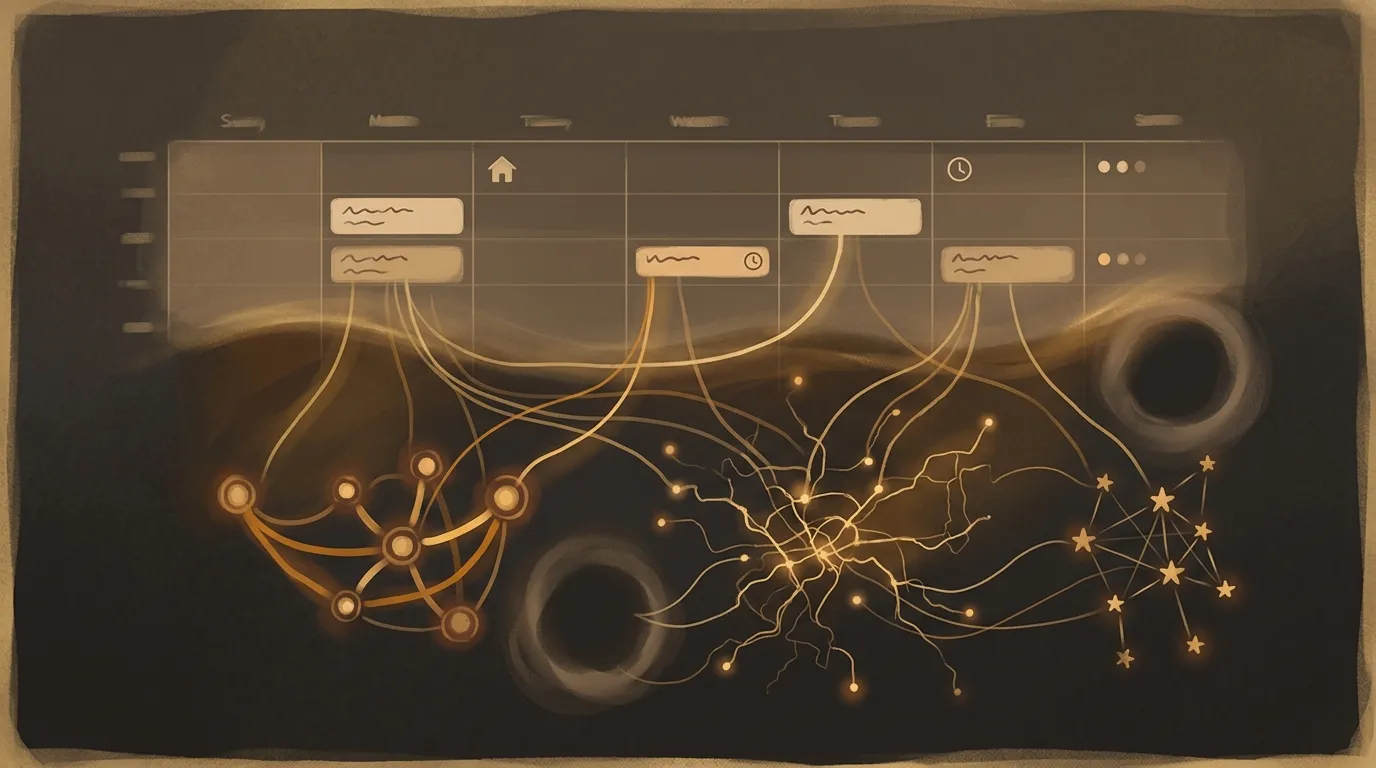
Most people think of their calendar as a simple scheduling tool. But to an AI system with access to it, your calendar is a biography.
Meeting titles reveal your projects and priorities. Recurring appointments expose health conditions, therapy sessions, or custody arrangements. Location data maps your daily movements. Participant lists sketch your professional network. And the gaps in your calendar — those tell a story too, hinting at crunch periods, vacations, or personal crises.
When you connect an AI scheduling assistant like Reclaim or Clockwise, you’re granting it permission to read, analyze, and sometimes modify entries across all your calendars. If that service is compromised, the attacker doesn’t just see your next meeting — they see the pattern of your entire life. Worse, because scheduling tools often link to your email and contacts, a single breach can cascade across multiple systems.
The practical fix is simple: be vague on purpose. Instead of “Interview at Acme Corp,” write “External meeting.” Instead of “Dr. Patel — follow-up blood work,” write “Medical appointment.” Your calendar still works for you, but it stops being a goldmine for anyone else. And audit which apps actually need calendar access — most of them don’t.
Your emails aren’t just your emails
When you let an AI assistant draft replies, summarize threads, or prioritize your inbox, you’re handing it the keys to your entire communication history. That includes conversations with your lawyer, messages from your kid’s school, salary negotiations, and that awkward exchange with your landlord.
AI email assistants don’t just read the message you are working on. They typically need broad inbox access to understand context, learn your writing style, and identify what is urgent. That means every email in your account becomes training material for the assistant’s model of you.
Here is what catches people off guard: even if the AI provider promises not to use your data for model training, the assistant still processes and temporarily stores your email content on its servers. If those servers are breached, or if the company changes its privacy policy next quarter, your communications are exposed. Dutch healthcare workers learned this the hard way when they used AI chatbots to help with patient communications, inadvertently sharing protected medical data with third-party services.
The mailbox rule: Treat AI email access like giving someone a key to your physical mailbox. You would not hand that key to a stranger. Before granting inbox access to any AI tool, ask yourself three questions: Does it need full inbox access, or can I paste in just the specific email I need help with? Is this a company I trust with my most sensitive correspondence? And can I revoke access easily if I change my mind?
Documents: the copy you forgot you made
Uploading a document to an AI assistant feels temporary — like showing someone a piece of paper and taking it back. But that’s not how it works.
When you ask ChatGPT to summarize a contract, or use an AI tool to extract data from a spreadsheet, the system typically creates copies. It may generate a searchable index of the content, produce metadata about the document, and cache results for faster retrieval next time. Even after you close the chat window, fragments of your document may persist on the provider’s servers for days, weeks, or longer depending on their retention policy.
This becomes especially risky with documents that contain personal identifiers — tax returns, medical records, legal agreements, employee files. A 2024 survey found that AI-related data incidents jumped 56% year over year, and document exposure was among the most common causes.
The redaction habit: Before uploading any document to an AI service, spend 30 seconds scanning it for information the AI doesn’t actually need. Replace real names with placeholders. Remove account numbers. Strip out addresses. If the document is too sensitive to redact — a full medical record, a signed legal agreement — don’t upload it at all. Use the AI on a sanitized excerpt instead.

Your voice assistant is always listening (sort of)
Smart speakers sit in your kitchen, bedroom, and living room, waiting for a wake word. The common reassurance is that they only start recording after they hear “Hey Siri” or “Alexa.” That’s technically true, but it understates the reality.
These devices run continuous audio processing locally to detect wake words. They sometimes mishear — a word on television, a snippet of conversation — and start recording when you didn’t intend them to. Amazon has acknowledged that Alexa can be triggered by words that merely sound similar to its wake word. Once triggered, the device records several seconds of audio and sends it to cloud servers for processing.
What many people don’t realize is that those recordings are stored. Amazon keeps Alexa recordings indefinitely by default. Google stores Assistant recordings for up to 18 months unless you change the settings. And beyond the words themselves, your voice carries information about your emotional state, your health, your accent, and who else is in the room — including children, guests, and anyone who has not consented to being recorded.
Three settings to change today:
- Turn on auto-delete. On Alexa, go to Settings, then Alexa Privacy, then Manage Your Alexa Data, and set voice recordings to delete automatically after 3 months. On Google, visit myactivity.google.com and set auto-delete to 3 months.
- Disable “help improve” features. Both Amazon and Google ask permission to let human reviewers listen to a sample of your recordings for quality improvement. Opt out.
- Mute when not in use. Every smart speaker has a physical mute button that electrically disconnects the microphone. Use it during private conversations, at night, or anytime you are not actively planning to give voice commands.
When you grant an AI tool inbox access, every email in your account becomes training material for the assistant’s model of you — including conversations with your lawyer, salary negotiations, and messages from your kid’s school.
Contact lists: the risk nobody talks about
When you grant an AI assistant access to your contacts, you’re not just sharing your own information — you’re sharing other people’s data without their consent. Phone numbers, email addresses, home addresses, birthdays, employer information, relationship notes. Your contacts didn’t agree to have their details processed by an AI system.
This matters more than you might think. WhatsApp’s AI assistant made headlines when it surfaced private phone numbers in responses to unrelated queries. Contact data, combined with calendar information and email content, gives an AI system enough information to map your entire social and professional network. If that data leaks, it isn’t just your privacy that is compromised — it is everyone in your address book.
The permission audit: Go through your phone’s privacy settings and check which AI apps have contact access. Most of them don’t need it. Your AI writing assistant doesn’t need your contacts. Your AI scheduling tool might, but only if you actively use it to coordinate meetings with people in your address book. Revoke access for everything that doesn’t have a clear, current reason to read your contact list.
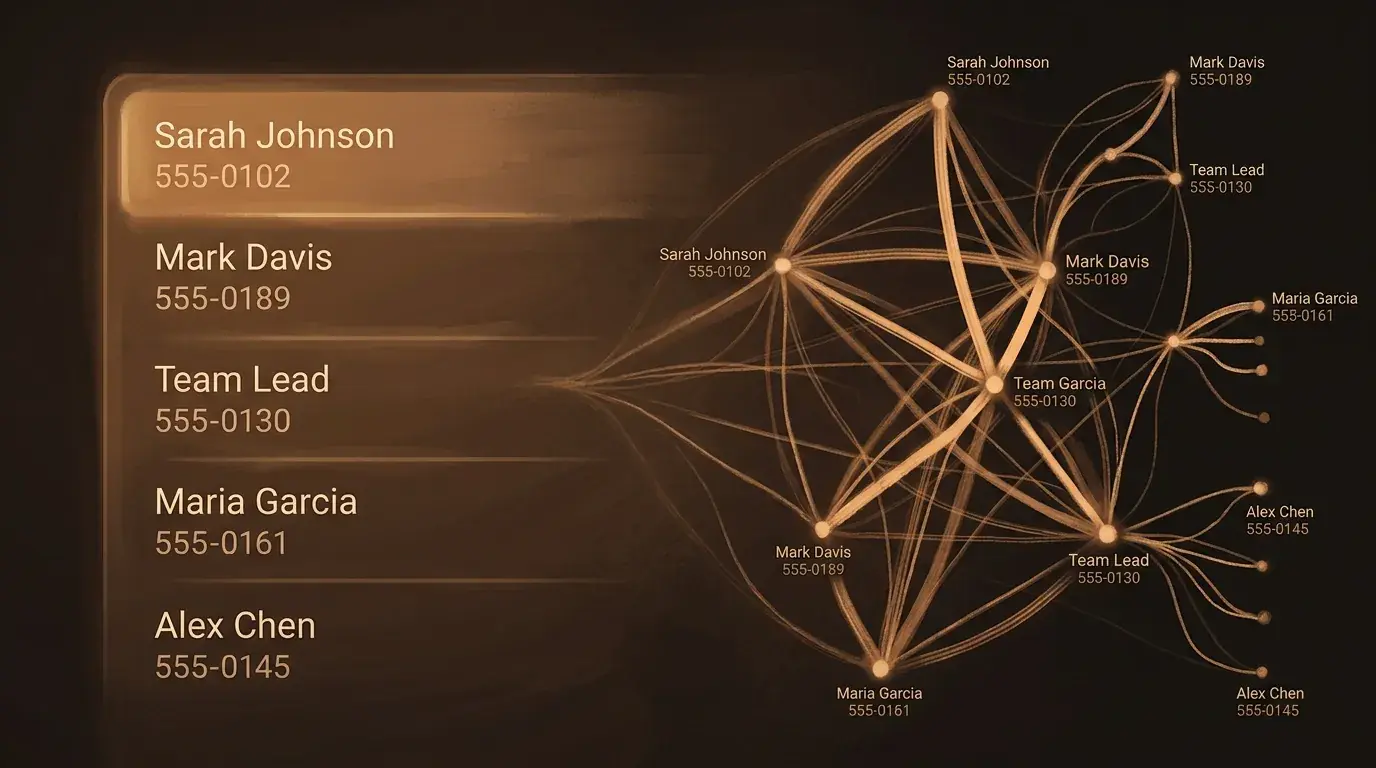
When you share your contacts with an AI, you are sharing other people’s data without their consent. If that data leaks, it is not just your privacy that is compromised — it is everyone in your address book.
Meeting transcription: useful but leaky
AI transcription tools like Otter.ai, Fireflies, and the built-in features in Zoom and Teams have made meeting notes nearly effortless. But effortless recording comes with risks that most teams never discuss.
When an AI bot joins your meeting and transcribes everything, the full text of the conversation — including off-the-cuff remarks, sensitive negotiations, and side conversations — gets processed and stored on the transcription provider’s servers. That casual comment about a struggling employee, the early-stage acquisition discussion, the client’s confidential budget number mentioned in passing: it is all captured, indexed, and searchable.
The risk is compounded because meeting transcripts often involve multiple parties, some of whom may not realize they are being recorded by an AI service. In many jurisdictions, recording someone without consent carries legal consequences. And even where it is legal, sharing meeting content with a third-party AI service may violate confidentiality agreements or data protection regulations.
Before you hit record: Tell every participant that AI transcription is active and give them a chance to object. Review the transcription service’s data retention and sharing policies. And after the meeting, review the transcript and delete sections that contain information too sensitive to store on a third-party server.
What to do now
These seven steps will meaningfully reduce your exposure without making AI assistants less useful:
-
Audit your permissions. Open your phone’s privacy settings and review which apps have access to your calendar, contacts, microphone, and files. Revoke anything that doesn’t have a clear, current purpose.
-
Vague up your calendar. Replace sensitive meeting titles with generic descriptions. “Medical appointment” instead of specifics. “External meeting” instead of naming the company.
-
Set auto-delete on voice recordings. Configure Alexa, Google Assistant, and Siri to automatically delete recordings after 3 months. Disable “improve services” audio sharing.
-
Redact before uploading. Before sending any document to an AI assistant, strip out names, account numbers, and addresses that the AI doesn’t need to complete the task.
-
Separate sensitive from routine. Use one AI tool for low-sensitivity tasks like grocery lists and general questions. Keep sensitive work — legal documents, medical information, financial planning — off AI platforms entirely, or use enterprise-grade tools with stronger data protections.
-
Mute your smart speakers. Use the physical mute button during private conversations, at night, and whenever you are not actively using voice commands.
-
Review monthly. Set a recurring reminder to check your AI assistant privacy settings, delete stored data, and revoke permissions you no longer need. Providers update their policies regularly — your settings from six months ago may no longer mean what you think they mean.
The goal isn’t to stop using AI assistants. They’re genuinely useful tools that save real time on real tasks. (If you have kids, AI and Your Family covers the specific risks for younger users.) The goal is to use them with the same awareness you bring to any relationship where someone knows a lot about you — thoughtfully, with boundaries, and with a clear sense of what you are comfortable sharing.